Identifying Trend Momentum! Custom BW-ZoneTrade Indicator Utilization


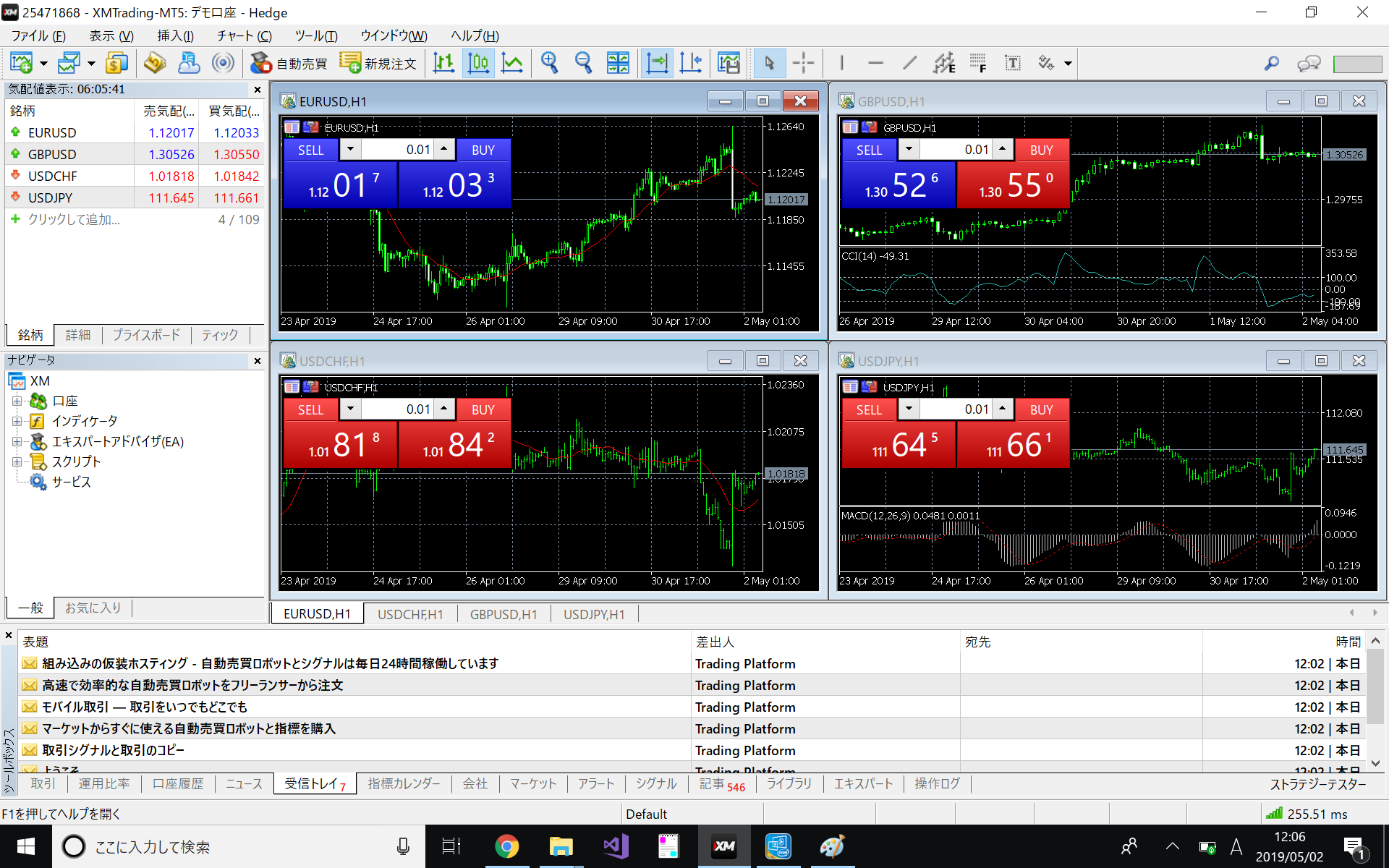
Once a VPS or other 24-hour PC is ready, we will install MT5 (MetaTrader 5), the software used to run the automated trading tools, and prepare the operating environment.
This software covers all the functions necessary to perform technical analysis and automated forex trading.
The software is provided by MetaQuotes, a company that boasts a high market share for FX trading tools.
The software includes all the necessary tools and information for trading: - Indicators for technical analysis - Platform for automated trading - Software development environment for indicators and automated trading - Marketplace for purchasing and renting existing tools - Signal distribution - Communities, etc. The product is not only rich in features, but also has a wide range of functionality.
The quality of a product is not only the abundance of functions, but also the environment (community for information transmission and sharing, and the amount of information available in Japanese) to be able to use it. MT5 release information and documents are carefully organized in Japanese, making it easy to obtain information.
The MT5 tool is a product of MetaQuotes, and there is no difference in the functionality of the tool itself no matter where you download it from.
On the other hand, the rate information delivered depends on each brokerage firm, and some firms support only currency exchange, while others support financial instruments such as stock indices and precious metals.
XM is also compatible with MT5, and in addition to MT5's features such as a wide range of stocks, support for high leverage, and the ability to trade in both currencies, XM offers a trading environment that is advantageous.
As a general rule, please prepare a PC with a Windows OS that can run 24 hours a day.
Although a Mac version of MT5 is available for download from XM, the EAs we provide are guaranteed to work only on Windows.
If you do not have the appropriate environment at hand, we recommend you to use our VPS service.
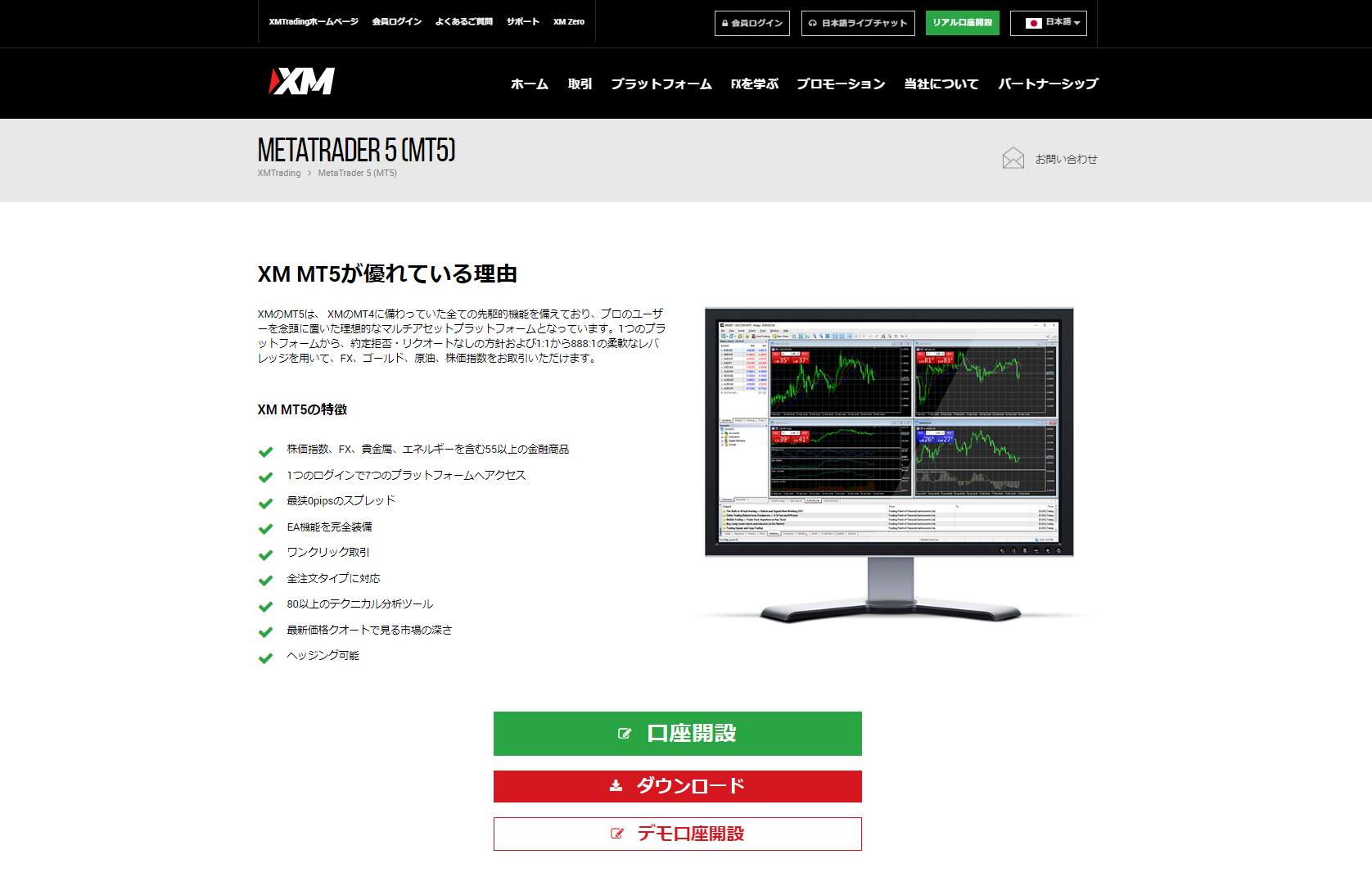
Download the installer from the download link on the official XM page. 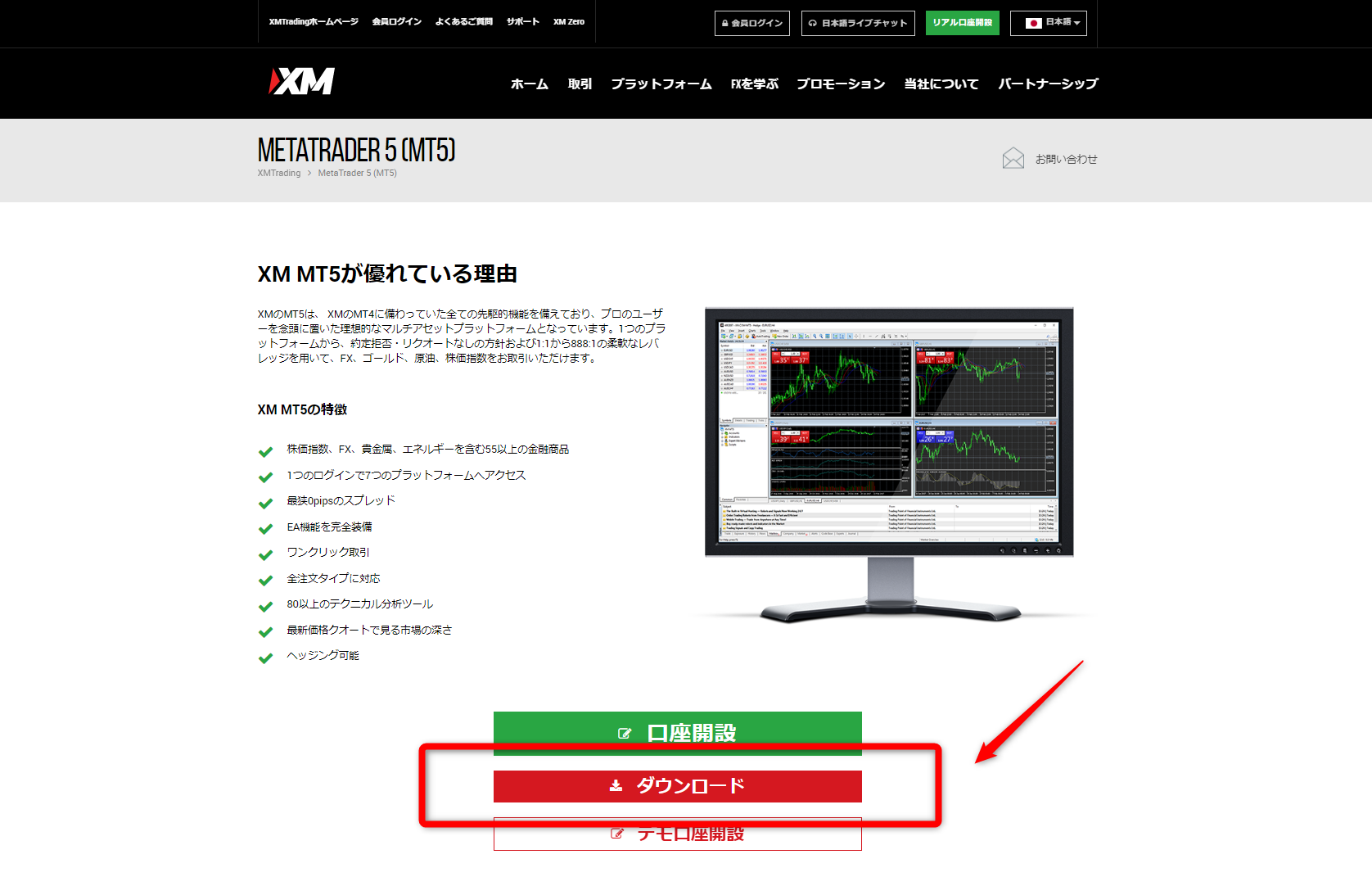 An installer named "xmtrading5setup.exe" will be downloaded.
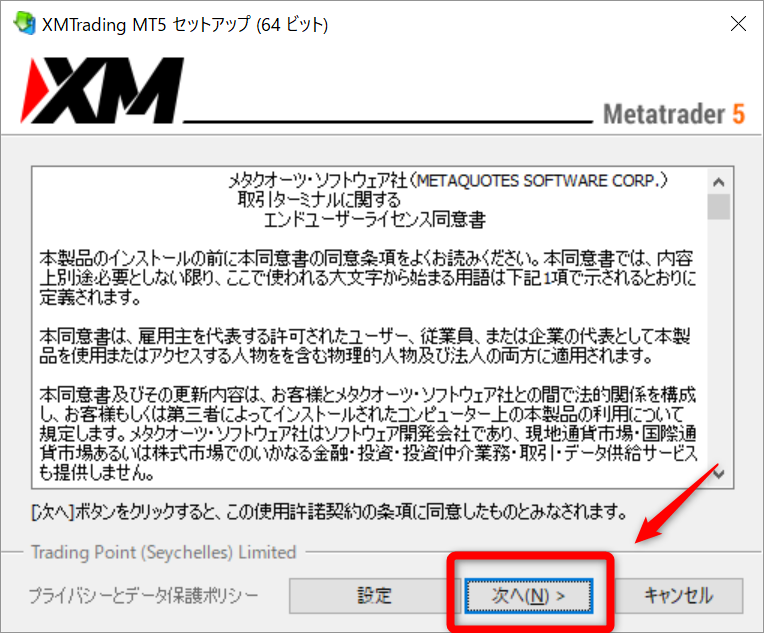


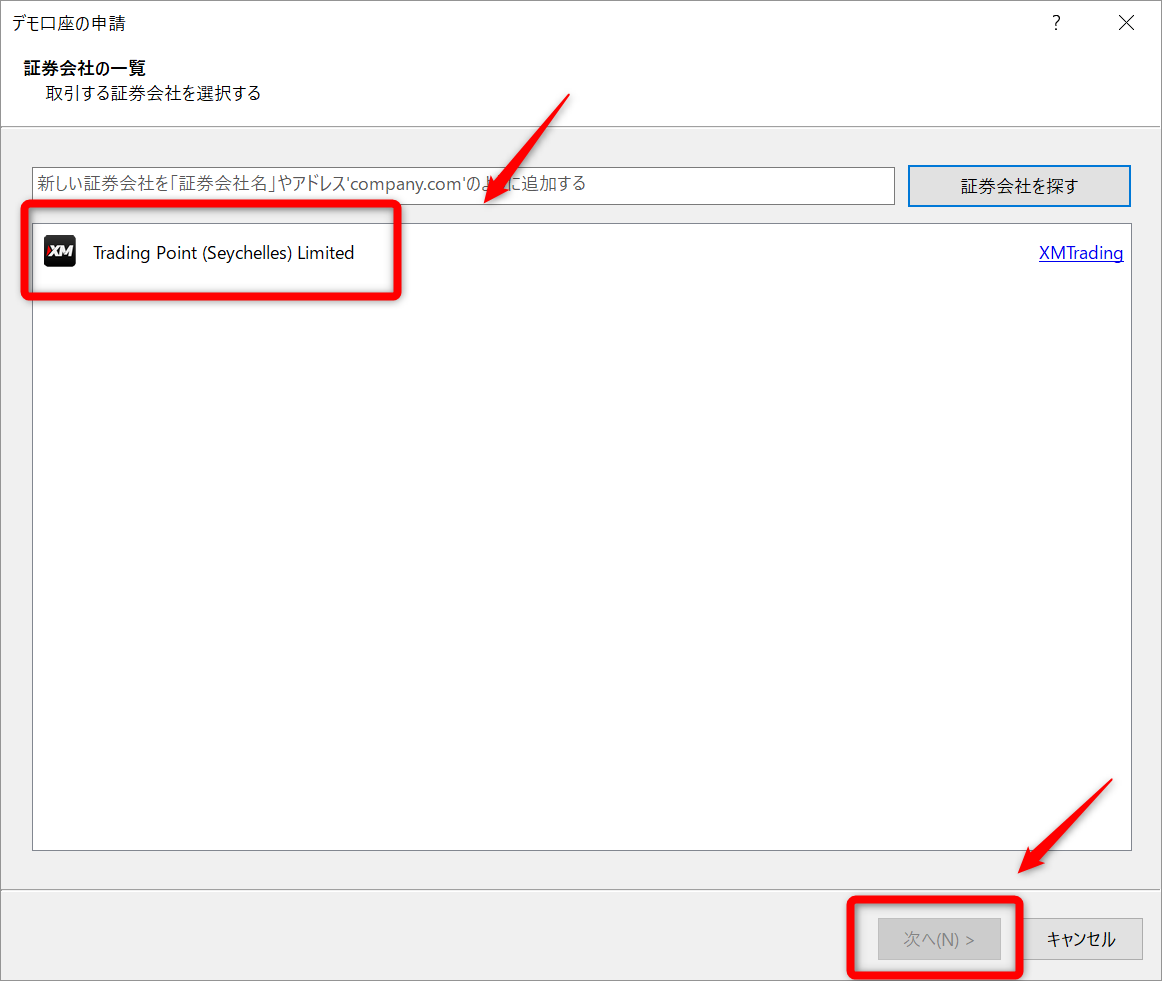
Please refer to this page for a list of settings that are useful to do as needed.