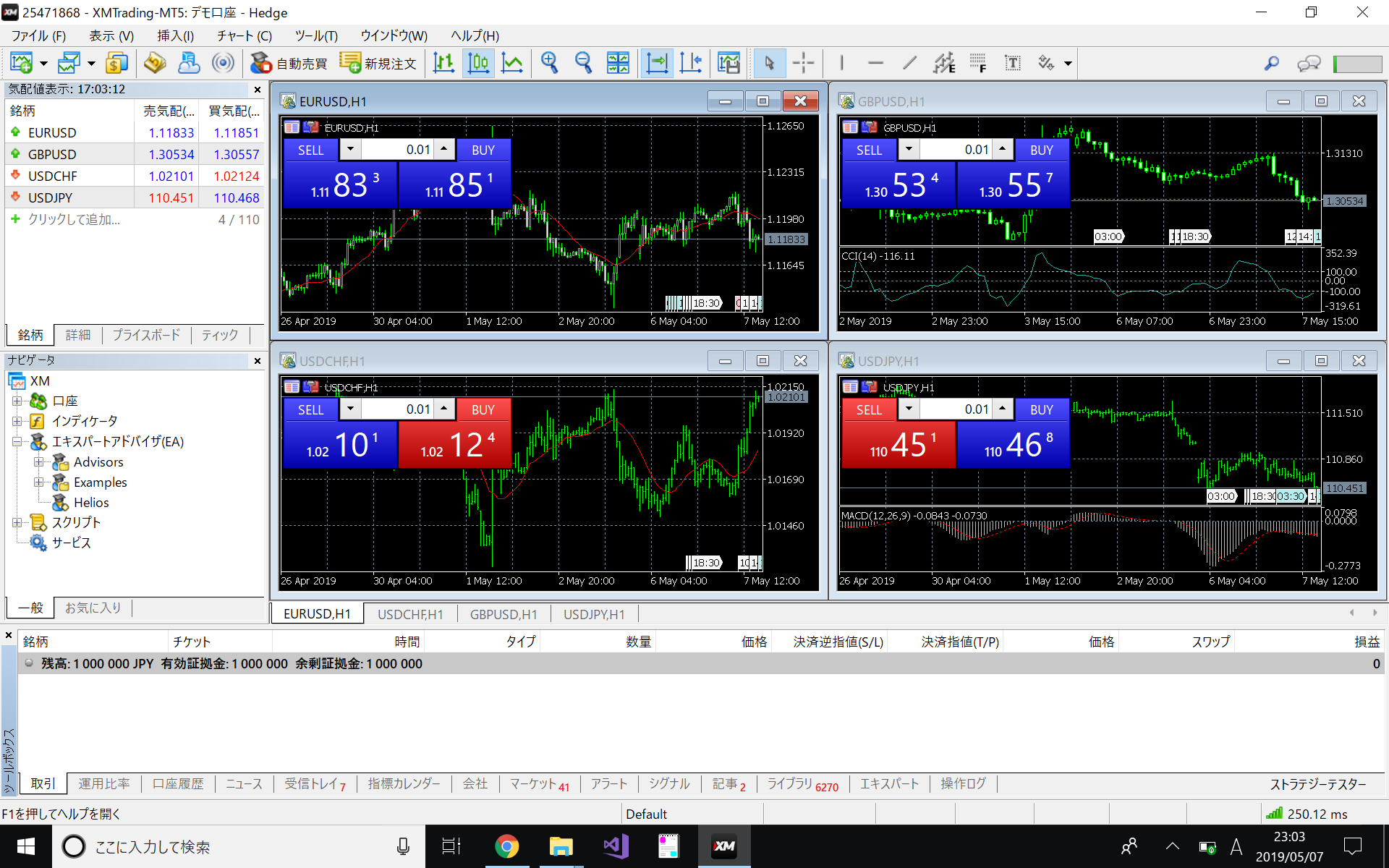
In this article, we will introduce the procedure for deploying an EA (Expert Advisor), an automated trading tool for MT5.
EA is a generic term for an automated trading tool, and the actual trading tool is provided in an executable file format (.ex5).
In this article, we will use Helios.ex5 as an example of an automated trading tool.
Created EA automatic installer (Helios Ver 4.x or later)
Automation tools are available to simplify the setup procedure.
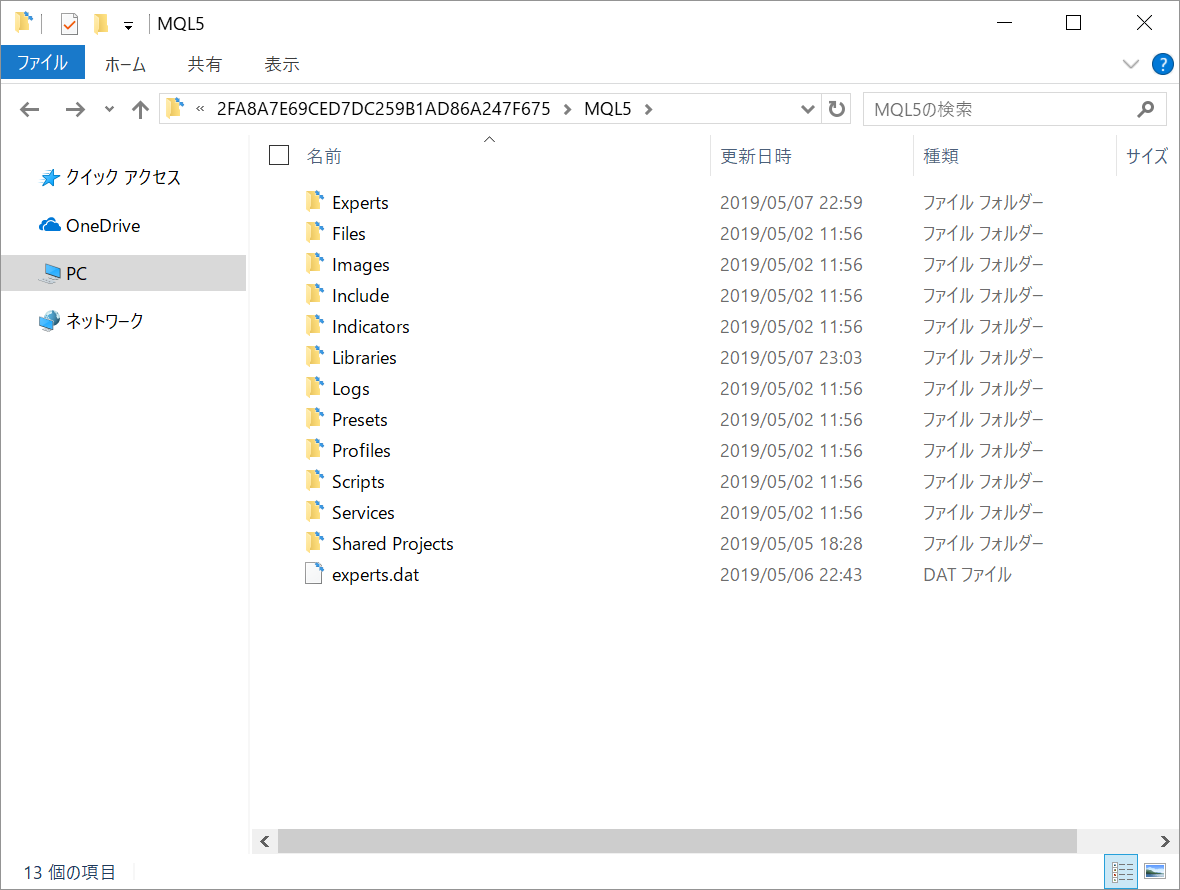
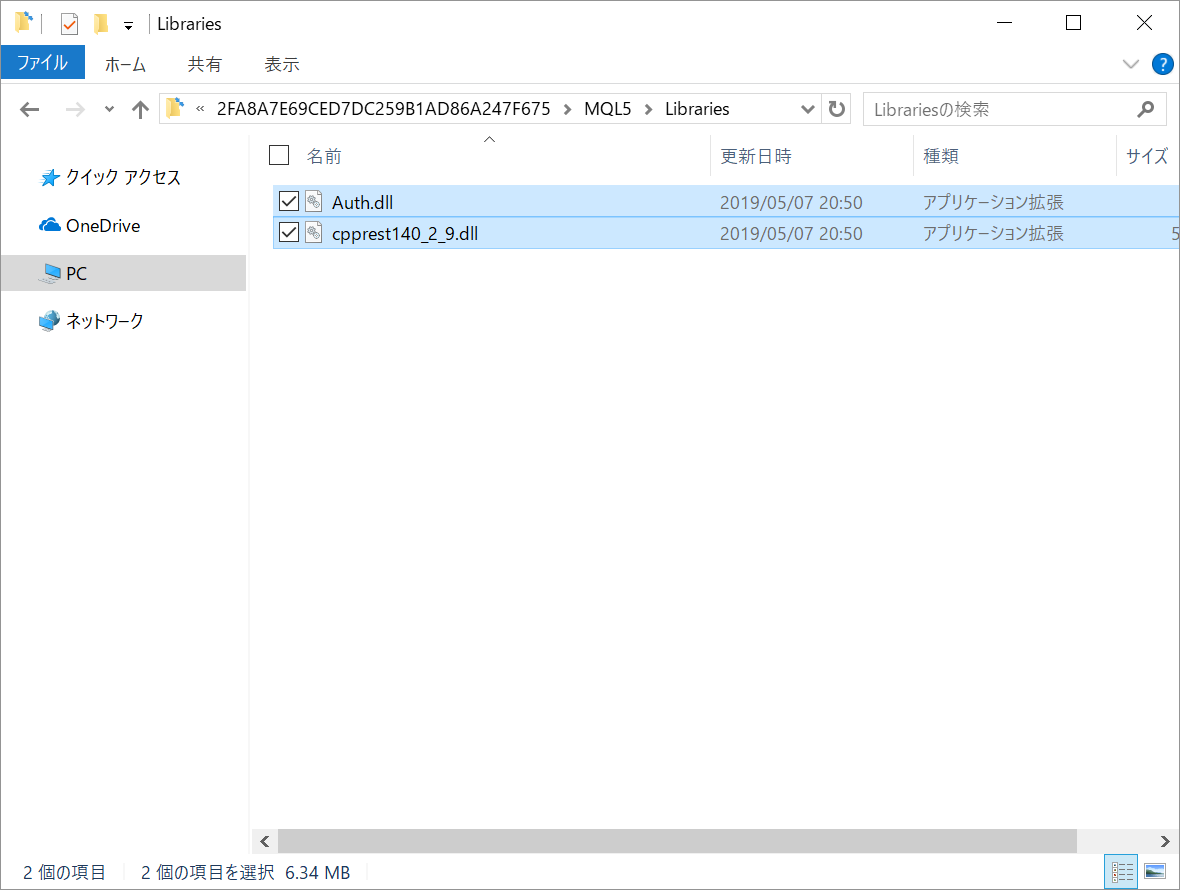
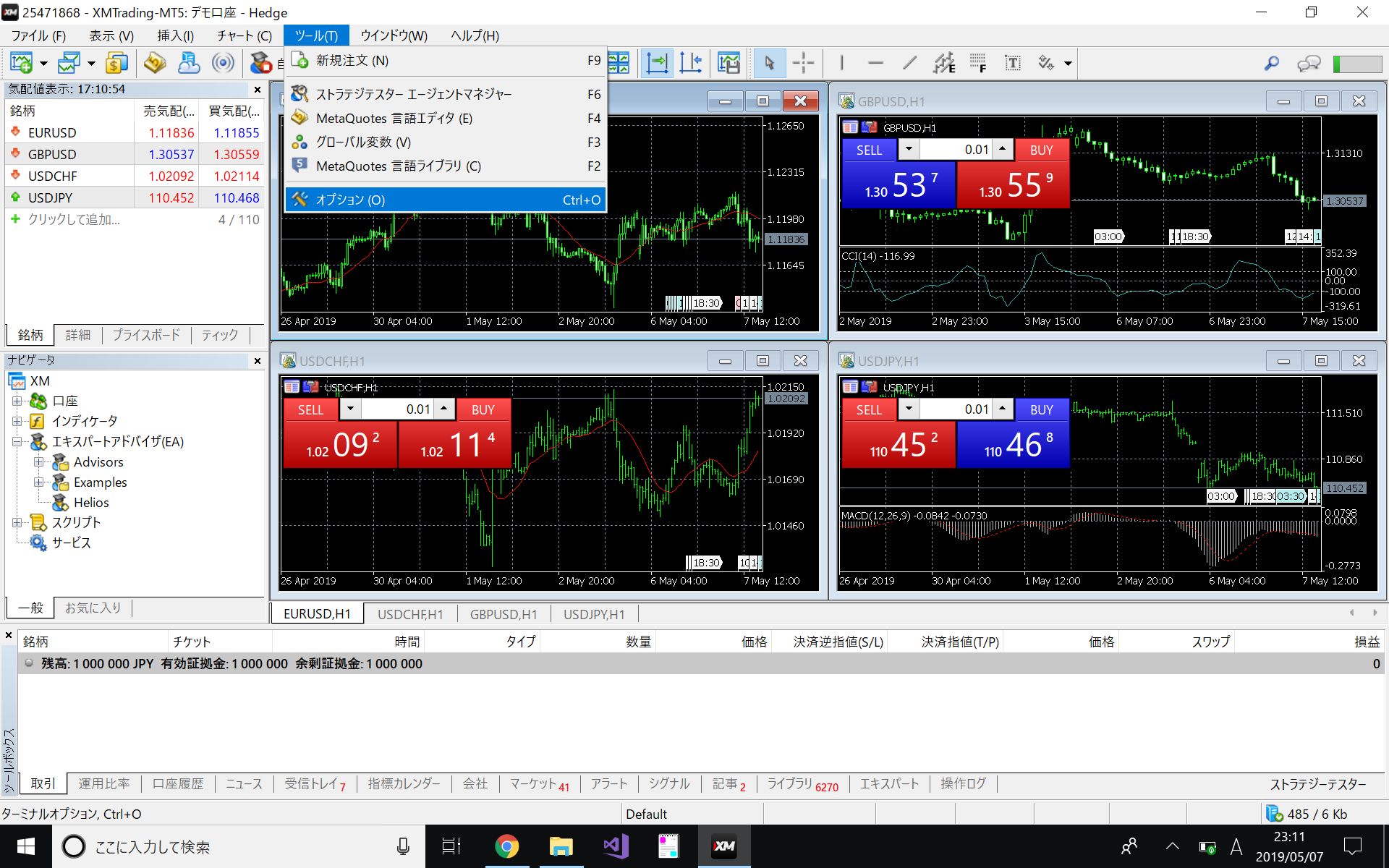
Place an EA
Launch EA
*Automatic trading will actually begin with the following operations.
Please conduct a back test and forward test on a demo account before applying the system to production.
- Confirm the account you are currently logged in to.
If you are doing this for the first time, please perform the following operations on your demo account first. - Decide on the currency pair and time leg for which you wish to execute automated trading, and open the corresponding chart.
- From the Expert Advisor (EA) in the Navigator window, select the tool you wish to run and drag & drop it onto the chart you have just opened.
- Open the "Inputs" tab and set the parameter values that will be the execution conditions of the EA.
Tip.
If you adjust the parameters of an EA, you can save its state for later reuse.
If your PC is rebooted unintentionally or MT5 is restarted, it is better to save the execution parameters in advance, because the parameters will revert to their default values when the EA is repositioned.
- Click OK button to start automatic trading.
Related