In the previous issue, we introduced the types of accounts for Forex and the need for a demo account.
In this issue, we will actually open a demo account and prepare to start operations.
How to open a demo account
- Open the Demo Account Registration page.
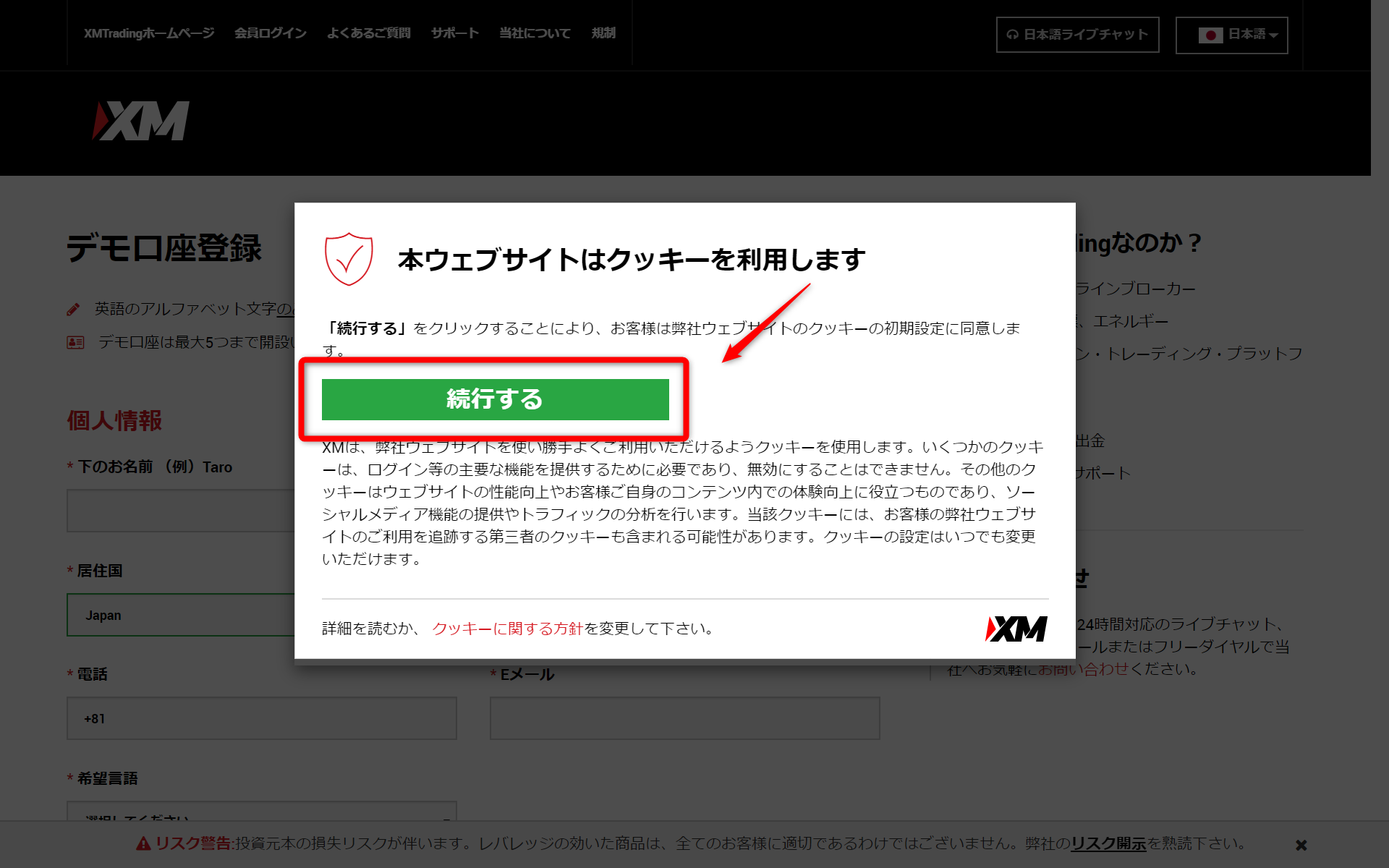
- Agree to the cookie default settings and click the "Continue" button.

- Enter your personal information.
- Enter trading account details and account password.
- Trading Platform Type : MT5 (Forex as well as Stocks, Equity Indices, Metals, Energy)
- Account type : Standard (1 lot = 100,000)
- Base currency of account : JPY
- Leverage :Leverage for production assumption (888x is recommended at first)
- Investment amount : It is recommended to set the investment amount as assumed in the production.
*If the balance in your demo account decreases, you can re-set it by applying. - Trading Platform Type : MT5 (Forex as well as Stocks, Equity Indices, Metals, Energy)
- Account type : Standard (1 lot = 100,000)
- Base currency of account : JPY
- Leverage :Leverage for production assumption (888x is recommended at first)
- Investment amount : It is recommended to set the investment amount as assumed in the production.
*If the balance in your demo account decreases, you can re-set it by applying. - Click on "Open Demo Account."
- An email will be sent to your registered email address.
- Open the email you received and click on the link (see the email " HERE link in the following email).
- A demo account has been opened.
Related Articles
Related